

Upload Size
Address Area
thanks.io prints each recipient’s name and address in the upper-left area of page 1, where it shows through the envelope window. Keep that area blank in your design. This includes PDF Only letters sent withpdf_only_url: do not put a recipient address in your PDF, or it will be printed over.
Image Templates
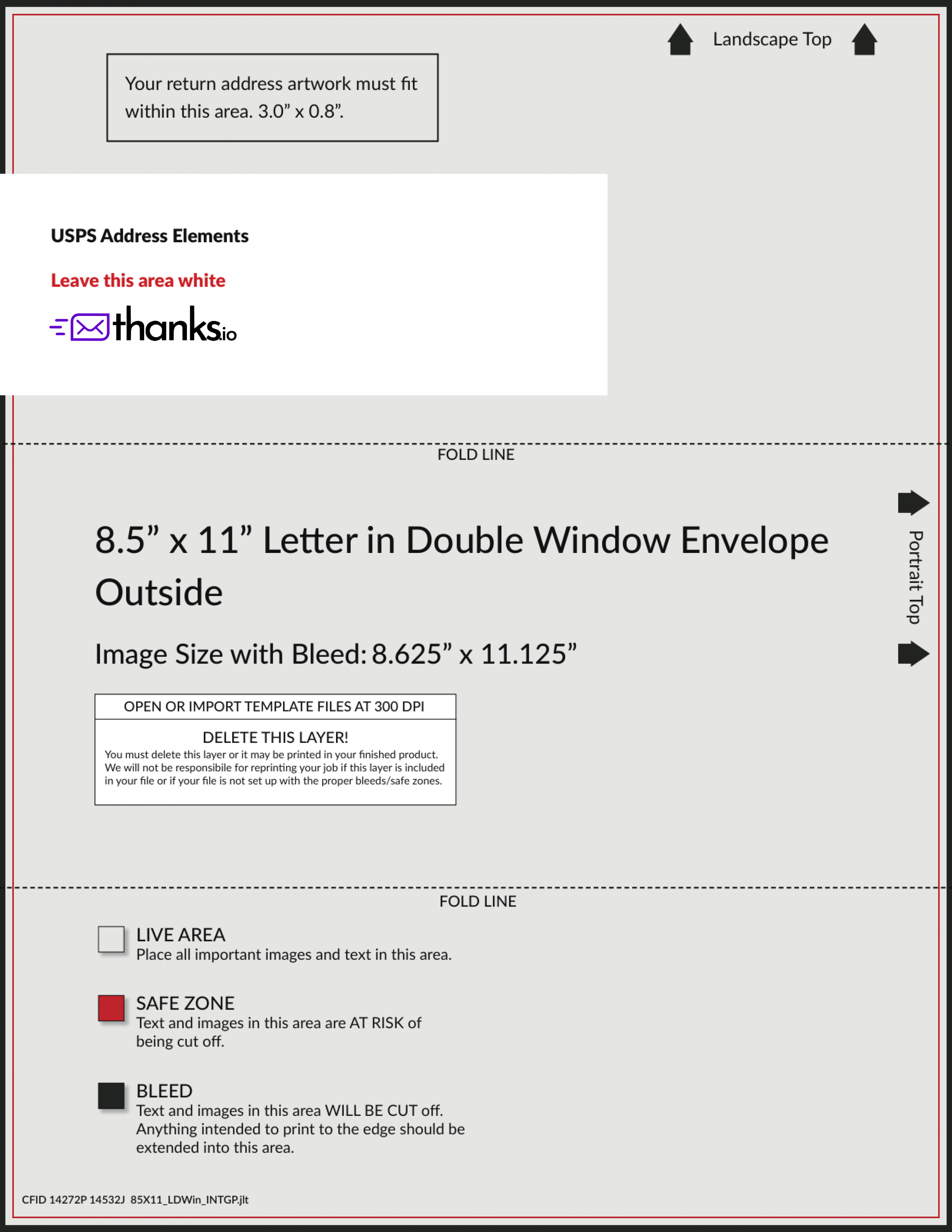
Cover Page PNG
When a handwritten message is added the message and background will be printed together to create a cover page. Any additional PDFs provided will be printed front & back. When printing PDF Only letters all pages are printed front & back. For PDF Only letters, leave the upper-left address area of page 1 blank: thanks.io prints the recipient’s address there.
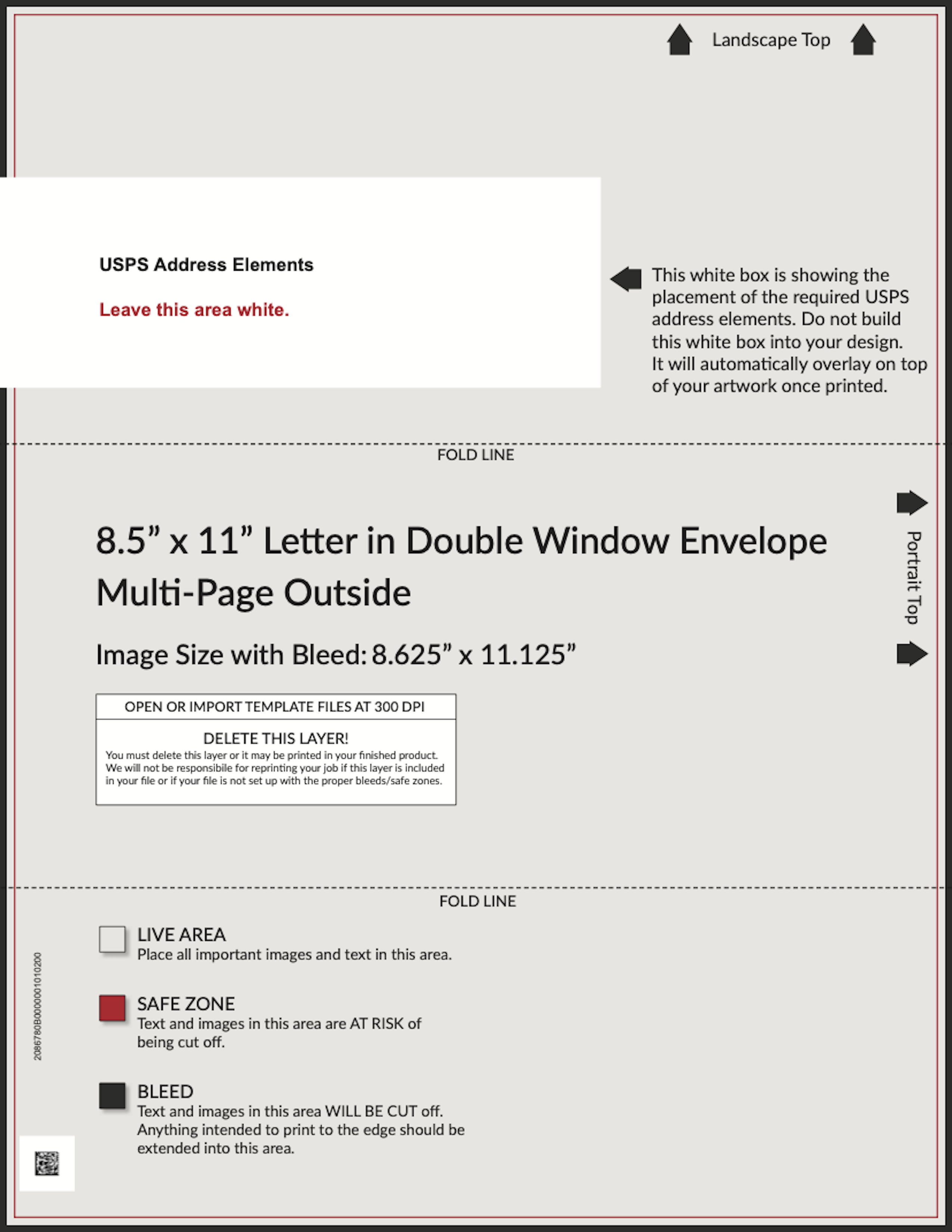
Multi-Page Cover Page PNG
Use this cover page layout when your letter runs more than one physical page.
Canva Templates
Background of Cover Letter Template
You can also place a message on top of this background using message templates.
PDF Templates
Cover Page PDF
When a handwritten message is added the message and background will be printed together to create a cover page. Any additional PDFs provided will be printed front & back. When printing PDF Only letters all pages are printed front & back. For PDF Only letters, leave the upper-left address area of page 1 blank: thanks.io prints the recipient’s address there.
Multi-Page Cover Page PDF
Use this cover page layout when your letter runs more than one physical page.